

JS Publishing Focus on Life
Home Jagmohan Singh Bobby Kiingh Children Fantasy Fiction Self-Help Education
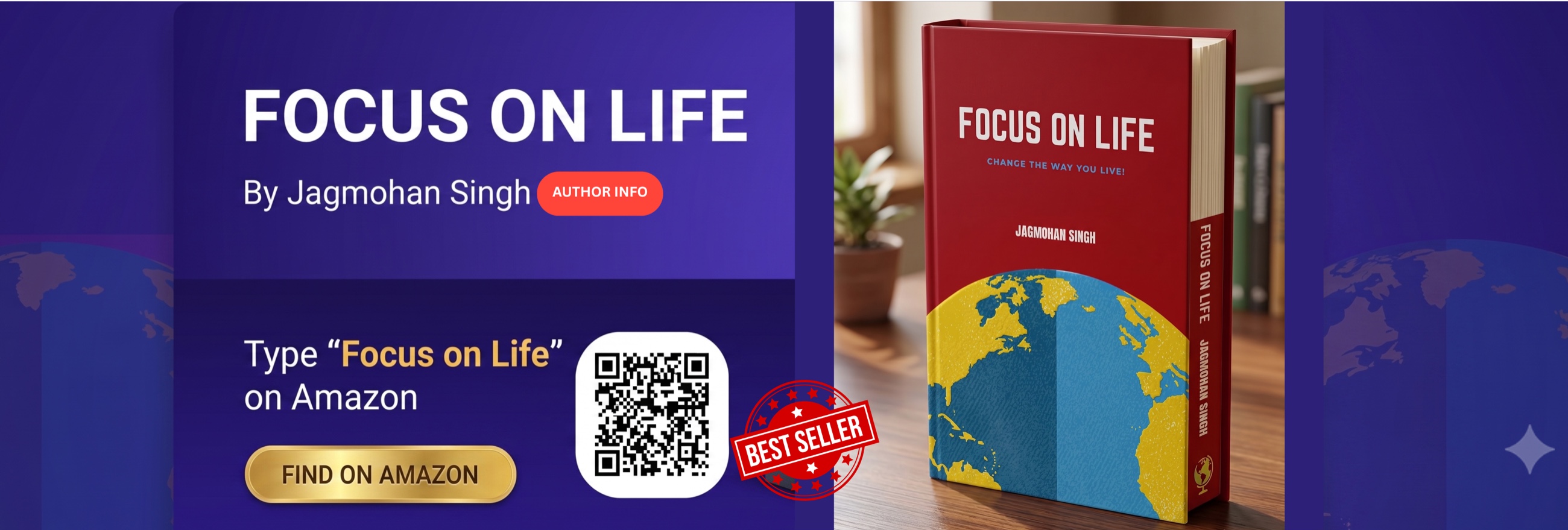
Focus on Life by Jagmohan Singh — find it on Amazon

Top Sellers

Reader favourites — a great place to start.

Done for you

Have a story to tell? We'll make the book.

Your idea is the star. Pay once, then tell us about your book with a simple form — your story, characters, title and the look you want. Our team produces the whole thing for you and delivers a finished, illustrated book ready to share and sell under your name.

  • 📝Start with a simple brief — fill in a short form with your story, characters and the style you'd like. No writing or design skills needed.
  • 📖We produce the interior — fully written and laid-out pages, crafted to match your brief.
  • 🎨Illustrations & covers — original artwork throughout, plus a finished front and back cover.
  • 🚀Delivered in 72 hours — your complete book arrives ready to publish under your own name.
📝📚

Your idea, your book

No writing or design needed.

You brief it — we build it.

One-off packs from £199
Book Packs

Choose the pack that's right for you

Pay once, then tell us about each book with a simple brief. Our team produces it for you — interior, illustrations and covers — and delivers it within 72 hours. No subscription; your book credits never expire.

Starter
£199 one-off
2 books
  • 2 books produced for you
  • Complete illustrated interior
  • Original illustrations & covers
  • Published under your name
  • Delivered within 72 hours
Premium
£999 one-off
15 books
  • 15 books produced for you
  • Everything in Standard
  • Best value per book
  • Ideal for authors & publishers
  • Delivered within 72 hours

Secure checkout by Stripe · One-time payment · Delivered within 72 hours · Credits never expire.

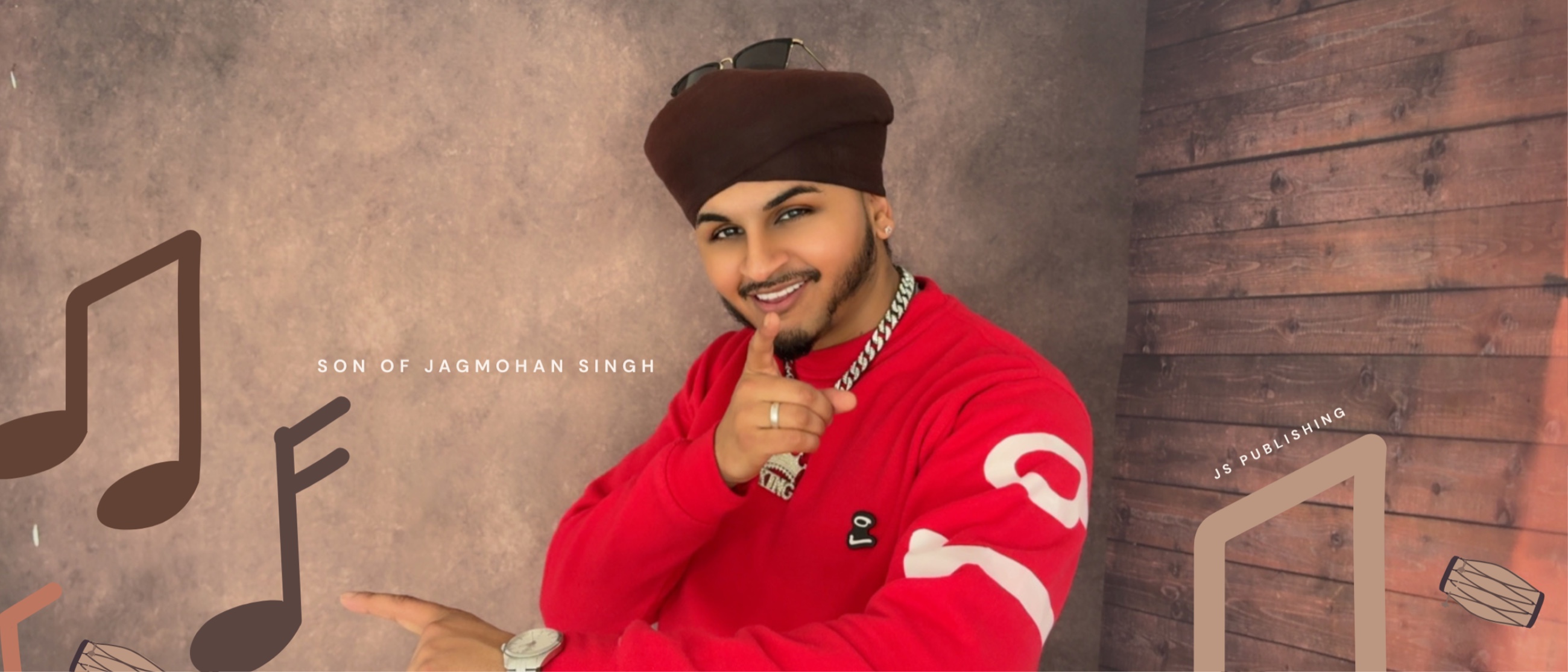
Bobby Kiingh — JS Publishing recording artist, son of Jagmohan Singh
Music from JS Publishing
JS Publishing · Focus on Life
Welcome
What would you like to create today?
📚
Books
Create children's picture books — story, prompts, covers and KDP-ready files.
Enter →
🎵
Music
A separate space for your music projects.
Coming soon
🎬
Video
Turn your song lyrics into a scene-by-scene storyboard with your saved characters.
Enter →
Choose a workspace to begin · 🛍 View store · Log out
🎵 Music Studio
Write metaphor-driven London rap — a hook, two 16-bar verses and an outro
🎤 Song AI
🛠 Workstation
📚 My Songs
⚙ Settings

Tell me the idea and what the song means to you. I'll write a London hip hop / rap song — a hook, two 16-bar verses and an outro — with every couplet built on a "like X that does Y" metaphor: line 1 personal, line 2 the mirror, rhyming and in rhythm.

Uses 1 API call (~£0.001)
The rap rules baked in: every couplet is a single "like X that does Y" metaphor · line 1 personal, line 2 mirrors it · the two lines rhyme on the last word · 8 couplets = 16 bars per verse · steady rhythm · no filler · reflective with a motivational undercurrent.
🎙 Hook
📝 Verse 1 0 / 16 bars
📝 Verse 2 0 / 16 bars
🎚 Outro

Your saved songs sync to your account — open them on any device you sign in on.

Loading…

Shared with the Books side — set it once and it works in both.

Upload beats or reference tracks to keep and play while you write. Stored on this device.

Upload a recording of your verse to keep alongside the lyrics.

Save this song into a tidy folder in your own Google Drive — lyrics, the song file and any audio. Same Google connection as the Books side.

Google Client ID
Filing area (folder name in your Drive)
— or pick an existing folder —
Client ID neededNo area set
🎬 Video Studio
Turn your lyrics into a scene-by-scene storyboard — cast your saved characters into every shot
📝 Setup
🎬 Storyboard
🎨 Pixlar
👤 Characters
🎞 Clips

Pick one of your saved songs, or paste lyrics in below.

Tick who appears in this video. Their saved look is locked into every prompt.

No saved characters yet — add some on the Characters tab.
Styles the whole cast to match the song's theme, layered on top of each character's saved base look. Faces stay identical.
Renders each selected character in the chosen wardrobe — front, side & back, head to toe — with a download button. ~£0.03 each.
Photorealistic makes the cast look like real people photographed on camera. 3D animated gives the stylised Pixar look. Set it before generating character sheets or frames.
Every frame is drawn and every clip rendered in this shape. Set it before generating frames.
One consistent colour grade locked into every shot so the whole video matches. Generated from the song's mood — edit freely.
Choose how many scenes (each ~10 seconds) to spread across the whole song — each gets a copy-ready AI prompt. Opens on the Storyboard tab. ~£0.0001 per scene.
No scenes yet — head to the Setup tab and tap “Create 24 scenes”.
Download saves each clip separately · Join stitches every shot into one .webm video (Chrome recommended).
Permanently deletes your working board, saved storyboards, character library & all clips — from the app and Firebase. No undo.

Turn a song into a numbered 3D-Pixar-style storyboard — each scene gets a title, a visual, and a ready-to-paste AI prompt, built around your saved characters and the song's story & mood.

Pixlar is for Pixar-style characters only. Create your lead here — their look is written into every prompt.

No saved characters yet — add some on the Characters tab.

Let the song invent the supporting cast — tap “Suggest from song” to create side characters that fit the story, or tick any of your saved characters. They're woven into the scenes where they fit.

No other saved characters yet.
Reads the song and writes the story arc, mood and visual style. Leave it empty and it's generated for you before the scenes are built.
Choose how many scenes to spread across the whole song. Each scene is a 3D-Pixar-style prompt you can paste straight into your video tool. ~£0.0001 per scene.
No Pixar scenes yet — pick a song and tap “Generate Pixar storyboard”.

Upload a reference photo, name and describe each character. Saved to your account — reuse them in every storyboard, on any device.

Loading…

Upload the rendered video and paste the AI prompt it came from. It's held temporarily in Firebase so you can preview it. Tap Save to Drive to move it into your linked Cloud Filing folder — it's then removed from Firebase to free the space.

No clips yet.
New Book Project
Configure your story, generate images, build your KDP book
✦ Story AI
📋 Prompts
✦ Generate
🛠 Workstation
⚙ Settings
📦 KDP

Describe your story in plain language. Gemini will generate the full book setup: title, characters, art style, prompts, back cover summary and tagline. You can then review and edit everything before generating images.

Uses 1 API call (~£0.001)

Fill in your Book Title, Characters, Art Style and especially the Story Summary in the left pane, then let Gemini turn them into a full set of page prompts. They appear in the cards below and on the Workstation tab, ready to copy into the Gemini app. Your title, characters and art style are kept exactly as you set them — only the page prompts are written.

Uses 1 API call (~£0.001). Existing prompts will be replaced.

Paste all your prompts at once — one per line, or numbered like "1. prompt text". They'll be split into individual cards automatically.

Each line = one page. Existing prompts will be replaced.
0 pages
0 pages ready
🎨 FRONT COVER
Collective story scene
🖼
Generate front cover
📄 TITLE PAGE
In book art style
Generate title page
📖 BACK COVER
Summary + author
📗
Generate back cover
↑ Front cover, title page and back cover are independent of story pages — generate or upload them at any time.

Combines your front and back covers into one print-ready wrap PDF — back cover on the left, front cover on the right, a plain spine down the middle, and 0.125" bleed all round, sized for an 8.5" square book.

Spine width depends on your final page count and paper stock — 3mm is the default. Use KDP's cover calculator for the exact figure, then set it here. Both outputs are the full wrap at ~300 DPI. Note: KDP print covers must be uploaded as PDF — the PNG is handy for previewing or editing elsewhere.

Generating... 0 / 0
Ready

Build the KDP interior PDF — title page + story pages, trim size 8.5 × 8.5" (no bleed) with each illustration inset on the page. On KDP, choose No bleed. The full wrap cover is built separately with the Cover Wrap buttons.

Made your images for free on the Gemini app or AI Studio? Drop them in here instead of generating through the API. Uploaded images behave exactly like generated ones — they appear in the Generate tab, build into the KDP PDF, download with the rest, and are covered by auto-save.

Note: the free Gemini app usually exports around 1024px with a SynthID watermark, which may fall short of your 300 DPI target. Any resolution is accepted here, so export as large as the tool lets you.

0 filled
Finish your book here:

Combines your front and back covers into one print-ready wrap PDF — back cover on the left, front cover on the right, a plain spine down the middle, and 0.125" bleed all round, sized for an 8.5" square book.

Spine width depends on your final page count and paper stock — 3mm is the default. Use KDP's cover calculator for the exact figure, then set it here. Both outputs are the full wrap at ~300 DPI. Note: KDP print covers must be uploaded as PDF — the PNG is handy for previewing or editing elsewhere.

Each page has a 📋 Copy full prompt button that already includes your art style and character designs. Paste it into the Gemini app and attach your character reference image(s) so everyone stays on-model across all pages. Once every page is filled, build the full interior PDF right here — no API needed.

The primary model receives your character reference images + the prompt. If it fails, the fallback uses text only.

By default the caption is drawn as outlined text with no box, tinted to match each page's colours. The fun fonts are embedded from an open-font library when you build the PDF; if that ever fails it falls back to a plain font. Position is set above.

1. Book Details — Set title, author, publisher and art style once. These are injected into every prompt.

2. Characters — Upload up to 5 character reference images and describe each one. Gemini sees these images with every generation request so it can match them.

3. Prompts — Paste all 24 (or however many) prompts at once using Bulk Paste, or add them one by one.

4. Generate — Hit Generate All. Each image is sent with your character references and style notes so every page matches.

5. Download — Download all images and send to Claude to build the final KDP PDF.

Everything you need to paste into your KDP listing: a product description, 7 search keywords, the best category, and a price estimate. The description, keywords and category are written from your story by AI; the price is worked out from what this tool has spent generating the book.

For a printed book the real price floor is KDP's per-copy printing fee, not the figure above. Get yours from KDP's printing-cost calculator and enter it for a realistic list price.